Frequently Asked
How to Choose a Media Console (TV Stand): Size, Height, and Cables
6 min read
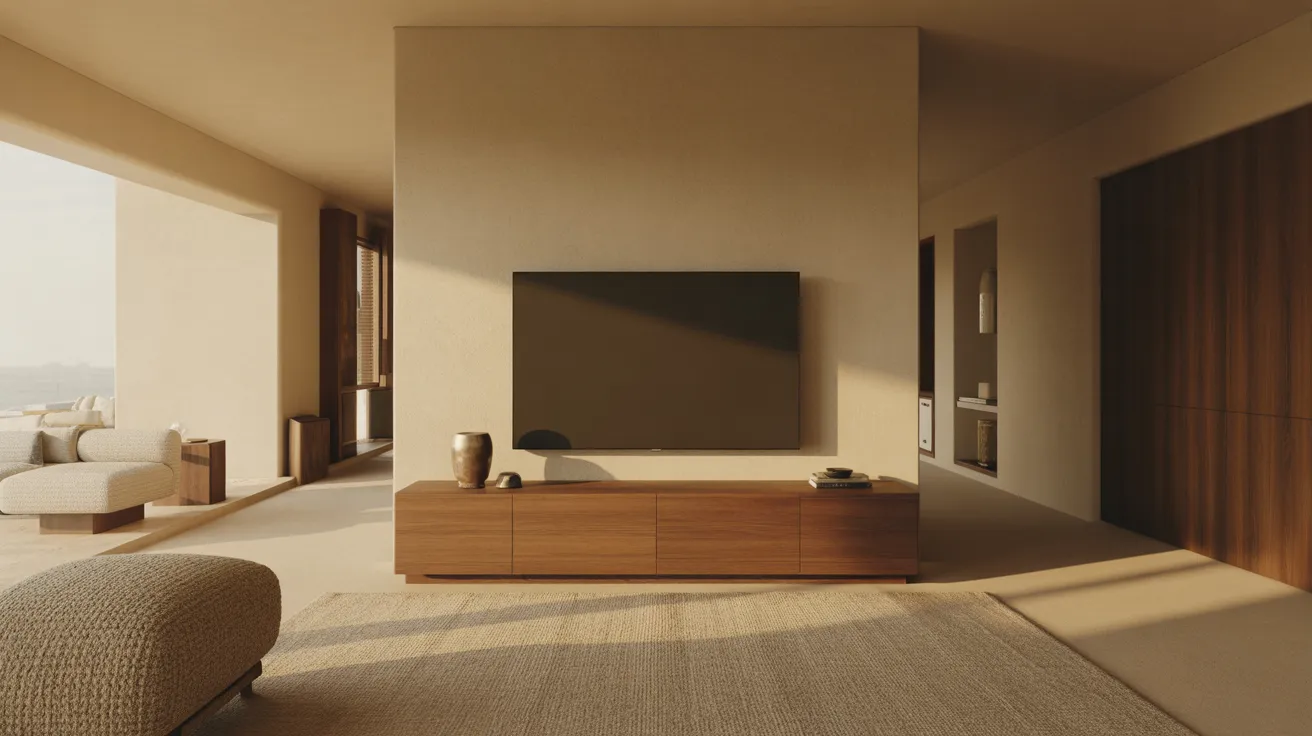
A media console size guide: how wide your TV stand should be, the right height for viewing, and cable management that actually works. Numbers in inches.
Make a media console at least as wide as your TV — ideally a few inches wider on each side — and tall enough that the center of the screen lands near eye level when you're seated, usually a console height of 24 to 30 inches. Then make sure it can handle your gear and your cables. Width keeps the proportions right, height keeps your neck happy, and cable management keeps the whole thing from looking like a tangle. Those three checks settle most of the decision.
Here is how to size a console properly, with the measurements that matter.
Step 1: Get the width right
The most common mistake is a console narrower than the TV — it looks unstable and reads as undersized. The fix is simple math.
Match or beat the TV's width. A TV's listed size is its diagonal, but the actual width is what your console has to clear. As a rule, the console should be at least the width of the TV and ideally a few inches wider on each side so the screen looks supported, not perched.
| TV size (diagonal) | Approx. TV width | Minimum console width | Comfortable console width |
|---|---|---|---|
| 50 in. | ~44 in. | 48 in. | 54–60 in. |
| 55 in. | ~48 in. | 52 in. | 58–66 in. |
| 65 in. | ~57 in. | 60 in. | 66–72 in. |
| 75 in. | ~66 in. | 70 in. | 72–84 in. |
| 85 in. | ~75 in. | 78 in. | 80–90 in. |
The "comfortable" column adds visual margin and room for a speaker, a plant, or a stack of books on the surface. In a wide room, you can go longer still — a console that's too short under a big screen makes the wall feel unbalanced.
Not sure what size TV your room can take? Our guide on what size TV for your room works out viewing distance first, which then sets the console width you need.
Step 2: Get the height right for viewing
Console height is really about the screen's center. For comfortable viewing, the middle of the screen should sit close to your eye level when you're seated on the sofa — typically 38 to 42 inches off the floor for an average seat height.
Here's how to find your number:
- Sit on the sofa and measure from the floor to your eye level (often around 38 to 42 inches).
- That's roughly where the center of the screen should land.
- Subtract half the TV's height to find where the bottom of the screen sits.
- Subtract a small gap (for a freestanding TV's stand) to find your ideal console height.
In practice, most freestanding TVs on a console land comfortably with a console height of 24 to 30 inches. Taller consoles (toward 30 inches) suit higher sofas and bar-height seating; lower consoles (toward 24 inches) suit low, lounge-style sofas. If you're wall-mounting the TV instead, the console height is freed up — you can go lower, 20 to 26 inches, since the screen height is set by the bracket.
Step 3: Plan for your gear and airflow
A console isn't just a surface — it's a cabinet that has to hold and ventilate electronics.
- Depth: 16 to 20 inches handles most components (a soundbar, a console, a streaming box) with room behind for cables. Shallower consoles look sleeker but can crowd deeper gear.
- Open vs. closed: open shelves vent heat and pass remote signals freely; closed cabinets hide clutter but need ventilation cutouts and, for remotes, glass or mesh doors that pass infrared.
- Interior height: measure your tallest component (often a center speaker or a game console standing upright) and confirm the shelf opening clears it.
- Soundbar fit: if you use a soundbar, leave a shelf or a top surface wide enough for it, and check it won't block the bottom of the screen.
- Weight rating: large TVs are heavier than they look. Confirm the top surface and the whole console are rated for your screen plus components.
Step 4: Solve cable management before you buy
A clean media wall is mostly about hiding cords. Look for these features, and plan the route.
- Back cutouts or grommets to pass cables from the surface down into the cabinet and out to the wall.
- A removable or open back panel so you can reach plugs without pulling the console out every time.
- An internal channel or clips to keep power and HDMI runs tidy and separated.
- Outlet proximity: measure the distance from the console's cable exit to your wall outlet, and keep cord runs short. If you're wall-mounting, plan an in-wall cable raceway or a recessed outlet behind the screen.
A two-minute habit that prevents headaches: bundle power on one side and signal cables on the other so they don't pick up interference, and leave a little slack so you can slide components out to swap a cable.
Step 5: Match it to the room
With size and function settled, style is the easy part.
- Proportion to the wall, not just the TV. In a long room, a longer console balances the wall; a floating, wall-mounted console makes a small room feel airier and easier to clean under.
- Storage you'll actually use. Drawers hide remotes and game controllers; open cubbies suit a console or a record player you reach for daily; closed doors calm visual clutter.
- Material and finish. Wood adds warmth and hides daily wear; a mix of wood and metal reads modern; light finishes keep a small room bright. Let it relate to your other living-room pieces rather than matching exactly.
- Legs vs. plinth. Raised legs make floors easier to vacuum and lighten the look; a solid plinth reads grounded and substantial.
The console anchors the wall opposite your seating, so it works in concert with the coffee table out front. For sizing that piece, see our coffee table guide. Browse the full range in Living and filter by width first.
Shop this guide
- Brown Wood Cabinet Enclosed Storage Distressed TV Stand
- 60" Ivory Solid Wood Open shelving Distressed TV Stand
- 70" Ivory Solid Wood Enclosed Storage Distressed TV Stand
The short version
Size a media console wider than your TV — at least the screen's width, ideally a few inches wider on each side. Pick a height (usually 24 to 30 inches for a freestanding TV) that puts the screen's center near your seated eye level, around 38 to 42 inches off the floor. Give it 16 to 20 inches of depth for components and airflow, confirm the weight rating, and choose a console with real cable management: back cutouts, an accessible rear panel, and internal clips. Then match the finish and storage to how you live.
Got your TV size? Shop Living and filter media consoles by width to match the screen.
Frequently asked questions
How wide should a TV stand be?
At least as wide as the TV, and ideally a few inches wider on each side. For a 65-inch TV (about 57 inches wide), choose a console of at least 60 inches, with 66 to 72 inches looking best and leaving room for a soundbar or decor.
How tall should a media console be?
Tall enough that the center of the screen sits near your seated eye level, usually 38 to 42 inches off the floor. For a freestanding TV, that means a console height of about 24 to 30 inches. Wall-mounted TVs free you to go lower, 20 to 26 inches.
How deep should a media console be?
16 to 20 inches suits most setups — enough for a soundbar, components, and cables behind them. Measure your deepest component and confirm it fits with room to spare for airflow.
Should the TV be bigger than the console?
No. The console should be at least as wide as the TV, and preferably wider. A TV that overhangs a narrow console looks unstable and undersized for the wall.
How do I hide TV cables in a console?
Look for back cutouts or grommets to drop cables into the cabinet, an open or removable back panel for access, and internal clips to bundle cords. Keep power and signal cables separated, and measure the run to your wall outlet before buying.
Open shelves or closed cabinet for a media console?
Open shelves vent heat and let remotes work without opening doors, but show clutter. Closed cabinets hide everything but need ventilation cutouts and, for remote-controlled gear, doors that pass infrared (glass or mesh). Many people mix both.