Frequently Asked
How to Choose a Desk for a Home Office: Size, Depth, and Type
7 min read
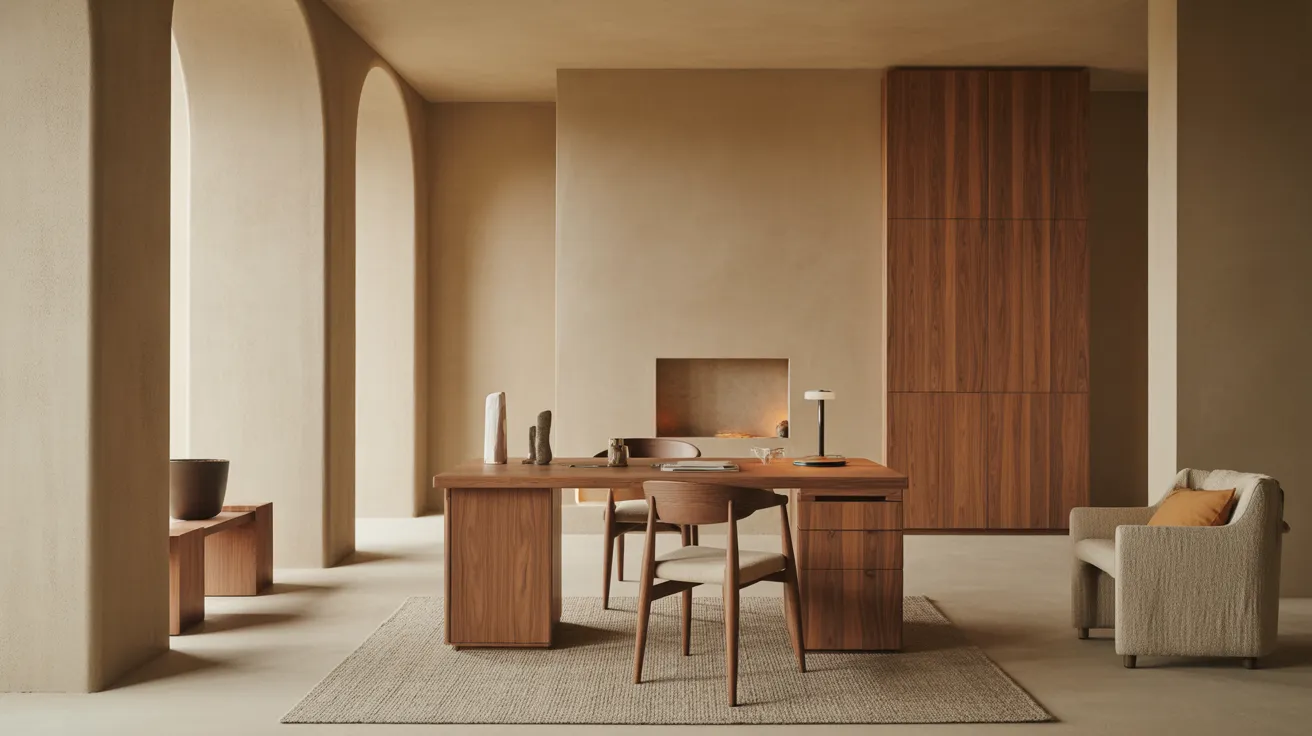
Desk size guide for a home office: the surface depth and width you need, sitting vs. standing desks, and how to fit a desk and chair to your room.
A good home desk comes down to three numbers: a surface at least 24 inches deep (29 to 30 for a monitor at arm's length), a width that fits your setup with room to write, and a height around 28 to 30 inches for sitting. Get the depth right first — it's the dimension that decides whether your screen sits far enough away and whether you have room to actually work, not just type.
Desks are easy to buy too small. A surface that looks generous in a photo turns cramped the moment a monitor, a notebook, and a coffee share it. Here's how to size and choose a desk that holds up to real work.
Start with depth — the number that gets ignored
Depth determines whether a monitor can sit at a healthy distance and whether you have working room in front of the keyboard.
- 20–22 in.: laptop-only, writing nook, or a console-style desk. Fine for light use; tight for a monitor.
- 24 in.: the practical minimum for a real workstation. A monitor fits, with limited room in front.
- 29–30 in.: the comfortable standard. Puts a monitor at roughly arm's length (20 to 30 inches from your eyes) and leaves room to write, sketch, or spread out papers.
- 30+ in.: dual monitors, a drawing setup, or anyone who works with paper alongside a screen.
If you stare at a monitor all day, depth is the spec that protects your neck and eyes. A shallow desk forces the screen too close, and no amount of width fixes that.
Then width — match it to your setup
| Desk width | Comfortably fits |
|---|---|
| 36–40 in. | Laptop or single monitor, light work |
| 47–55 in. | Monitor + laptop, or monitor + notebook and lamp |
| 60–66 in. | Dual monitors, or a spacious single-monitor setup |
| 70+ in. | Two-person desk, or monitors plus a large work zone |
A useful test: lay out your monitor, keyboard, mouse pad, a lamp, and an open notebook on a table and measure the rectangle they occupy. Add a hand's width on each side. That's your real minimum width — usually more than people guess.
Desk height and the chair that goes with it
| Element | Comfortable range |
|---|---|
| Sitting desk height | 28–30 in. |
| Standing desk height (typing) | ~elbow height, varies by user |
| Chair seat height | 16–21 in. |
| Knee clearance under desk | 24–27 in. high, 20+ in. deep |
Standard sitting desks are 28 to 30 inches tall, which suits most people in the 5'8"–6' range. If you're shorter or taller, fit matters more than the spec: your elbows should rest at roughly a 90-degree angle when typing, with feet flat on the floor (or a footrest). Check the clearance under the desk too — drawers and aprons can steal the knee room a tall person needs.
The desk and chair are a system, not two separate buys. The ergonomic logic — seat height, armrests, lumbar support — is in our office chair guide; match the chair's adjustable range to your desk height before you commit to either.
Sitting, standing, or adjustable?
- Fixed sitting desk: the simplest, sturdiest, and most affordable. Best if you have a chair you like and you don't mind sitting. Choose this if budget or aesthetics lead.
- Standing desk (fixed-height): keeps you upright all day, but locks you into one posture. Few people stand all day comfortably, so a fixed standing desk is a niche choice.
- Sit-stand (adjustable) desk: raises and lowers so you can switch through the day, which is what most ergonomists actually recommend. Electric models are smoothest; crank models cost less. The trade-offs are price, a bulkier base, and a top that must be rigid enough not to wobble when raised.
The honest take: alternating between sitting and standing beats either extreme, so a sit-stand desk is the upgrade most worth it if you work full days at home. If you don't, a well-sized fixed desk and a good chair do more for comfort than a standing desk alone.
Storage, cables, and the small stuff
- Drawers vs. open. A clean open desk looks calmer and works in a shared room; drawers keep clutter off the surface but add bulk and can cut knee clearance. A small mobile pedestal under the desk is a flexible middle path.
- Cable management. A grommet, a back channel, or a tray under the top keeps cords off the floor and the surface tidy. On a sit-stand desk, cable management is essential — cords need slack to travel as the desk rises.
- A monitor's footprint. If you'll add a monitor arm, check that the desk has a clampable rear edge and the structure to hold it.
For the full room — lighting, what's behind you on video calls, zoning a desk into a bedroom or living room — our home office setup guide takes it past the desk itself.
Fit the desk to the room
- Clearance behind the chair. Leave at least 30 to 36 inches behind the desk so the chair can roll back and you can stand up. Push for more if the chair backs into a walkway.
- Against a wall, floating, or in a corner. A wall-facing desk is the most space-efficient. A floating desk (back to the room) needs a finished back and room to circulate. An L-shaped or corner desk maximizes a corner but commits to a footprint.
- Light from the side. Position the desk so a window falls to the side, not behind your screen (glare) or directly in front (eye strain). This often matters more than where the desk fits.
- The delivery path. Large desktops and L-shapes are rigid — measure doorways and turns against the desk's longest dimension.
Material and durability
- Solid wood and quality engineered tops resist the daily wear of forearms, mugs, and a sliding laptop. A sealed or laminate surface wipes clean and shrugs off coffee rings.
- Metal-and-wood frames read modern and stay rigid; a desk should not flex or rock when you lean on it.
- For a sit-stand desk, the base is the part that matters most — a stable, dual-motor lift with a wide foot keeps a raised desk from swaying when you type.
A desk takes more abuse than most furniture realizes. Prioritize a surface that wipes clean and a frame that doesn't wobble over a finish that only photographs well.
Shop this guide
- 42" Blue Writing Desk
- 43" White Solid Wood Writing Desk With Two Drawers
- 65" Brown and Black L Shape Writing Desk
The short version
Size depth first: 24 inches minimum, 29 to 30 for a monitor at arm's length. Width follows your gear — 47 to 55 inches for one monitor, 60-plus for two. Keep the surface around 28 to 30 inches tall and pair it with a chair whose range fits, since the two work as a system. A sit-stand desk is the upgrade worth it for full work-from-home days; otherwise a sturdy fixed desk and a good chair win. Leave 30 to 36 inches behind for the chair, put the window to the side, and choose a wipeable top on a frame that doesn't wobble.
When your numbers are set, Shop Office for desks sized to real work, not just to a photo.
Frequently asked questions
How deep should a desk be?
At least 24 inches for a real workstation, and 29 to 30 inches if you use a monitor — that puts the screen at a healthy arm's length. A 20-to-22-inch desk works for a laptop or a writing nook but feels cramped with a monitor.
What is a standard desk height?
Sitting desks are typically 28 to 30 inches tall, which suits most people between about 5'8" and 6'. Fit matters more than the number: your elbows should sit near a 90-degree angle when typing, with feet flat on the floor.
How wide should a desk be?
A single-monitor setup wants 47 to 55 inches; dual monitors or a spread-out workflow want 60 inches or more. Lay out your gear on a table, measure the rectangle, and add a hand's width on each side to find your real minimum.
Is a standing desk worth it?
A sit-stand (adjustable) desk usually is, because alternating postures beats sitting or standing all day. A fixed standing desk locks you into one position and suits few people. If budget is tight, a well-sized fixed desk plus a good chair delivers more comfort than a standing desk alone.
How much space do I need behind a desk for the chair?
Leave at least 30 to 36 inches behind the desk so the chair can roll back and you can stand up. Allow more if the chair backs into a walkway or a doorway swing.
Where should I put a desk relative to the window?
Position it so the window is to one side. A window behind the screen causes glare; a window directly in front causes eye strain from the bright background. Side light keeps the screen readable and the room pleasant.